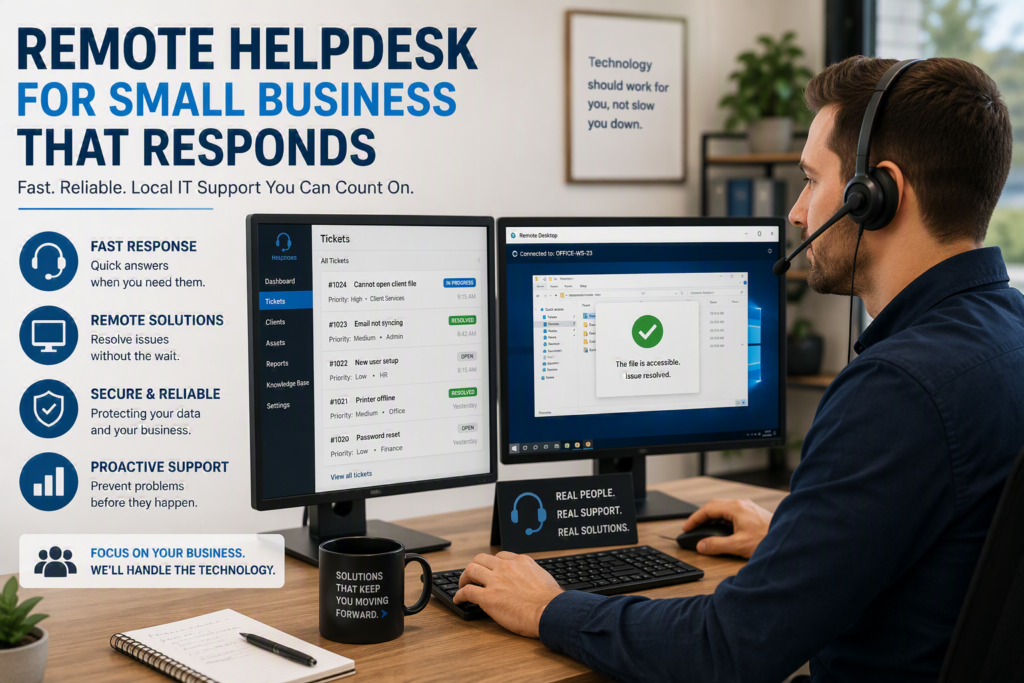
A staff member cannot open a client file before a meeting. Your accounting software stops syncing. A suspicious email lands in an inbox five minutes before payroll is processed. For a small organization, technology trouble is rarely just a technology problem. It interrupts service, delays work, creates stress, and can put sensitive information at risk. A dependable remote helpdesk for small business gives your people a clear place to turn when that happens – and, just as importantly, helps prevent many problems before they disrupt the day.
The right support model is not about putting every issue into a ticket queue and hoping for a reply. It is about having knowledgeable people who understand your systems, communicate in plain language, and know when a remote fix is enough and when someone needs to be on-site.
What a remote helpdesk should do for your business
At its simplest, a remote helpdesk provides technical assistance by phone, email, remote connection, or a support portal. A technician can securely view a workstation, diagnose the issue, install updates, reset access, investigate an alert, or guide an employee through a task without waiting for a site visit.
That speed matters. Many common issues can be resolved remotely: a printer that has gone offline, a Microsoft 365 login problem, a software error, a missing network drive, or a new employee who needs the right access. When support can begin quickly, staff spend less time improvising and more time doing the work clients, patients, donors, and customers rely on.
For a professional office, this may mean restoring access to case documents before an appointment. For a healthcare provider or pharmacy, it may mean responding quickly to a workstation or communication issue while protecting privacy. For a nonprofit, it may mean getting a staff member connected before a community program begins. The details differ, but the need is the same: technology should support the organization, not hold it hostage.
A well-run helpdesk also creates a record of recurring issues. If the same Wi-Fi problem, device failure, or account lockout keeps appearing, the answer is not simply to close the ticket again. It is to identify the cause and recommend a practical fix.
Responsive support is more than fast ticket closure
A quick response is valuable, but speed alone does not define good support. A technician can close a ticket quickly without fully solving the underlying problem. The better measure is whether your employee can get back to work with confidence and whether the issue is less likely to return.
This is where communication makes a real difference. Small businesses do not need a stream of acronyms or vague updates that leave them wondering what is happening. They need to know what has gone wrong, what is being done, whether there is a temporary workaround, and what the next step will be.
The best providers also recognize urgency. A single employee unable to print may be inconvenient. A company-wide email outage, suspected ransomware incident, or failed internet connection can stop operations. Your support plan should make clear how urgent issues are identified, escalated, and handled outside regular business hours when necessary.
Personal familiarity matters, too. A helpdesk that knows your team, applications, devices, and priorities can move faster than a generic call center starting from zero. For Fraser Valley organizations, having a local technology partner can add another layer of reassurance: remote support is readily available for everyday issues, while on-site help is within reach for hardware failures, network work, and hands-on projects.
Remote helpdesk for small business: what to look for
Not every business needs the same level of coverage. A five-person office with cloud-based software has different needs than a healthcare practice with specialized systems, multiple locations, and stricter privacy requirements. Still, a few essentials should be clear before you choose a provider.
First, ask how support requests are received and tracked. Your staff should have an easy way to ask for help, whether they prefer calling, emailing, or using a portal. Requests should not disappear into a shared inbox with no ownership. You should also be able to see what was done and whether a problem is still open.
Second, ask what response expectations are included. Look beyond phrases such as “fast support.” Find out how the provider handles urgent issues, routine requests, after-hours incidents, and problems that require vendor coordination. A provider may not be able to solve every third-party software problem directly, but they should be willing to help manage the conversation rather than simply send you elsewhere.
Third, understand the boundary between remote and on-site work. Remote support is highly effective for software, account, security, and many device issues. It cannot replace a technician who needs to replace failed equipment, install networking hardware, investigate cabling, or assist with a physical office move. The most useful arrangement combines both options under one accountable team.
Finally, look for support that connects to proactive maintenance and cybersecurity. Waiting for calls is not enough. Regular patching, device monitoring, backup checks, account reviews, and security awareness help reduce the number of emergencies your staff faces in the first place.
The business case is predictability, not just lower cost
Hiring a full-time internal IT employee may not be practical for many small organizations. Even when it is, one person cannot be an expert in every area: Microsoft 365, cybersecurity, networking, backups, phones, hardware, cloud services, and vendor management. They also need vacation time and cannot be in two places at once.
A managed remote helpdesk gives you access to a broader team without building a full internal department. It can make monthly technology costs more predictable, but the larger value is operational continuity. A delayed response to a security incident or critical outage can cost far more than the apparent savings of a bare-bones support plan.
That does not mean every organization needs a premium, all-inclusive agreement. A smaller business with stable systems may be well served by a right-sized plan with defined hours and a clear process for project work. An organization that handles confidential records, relies heavily on uptime, or supports a distributed team may need more comprehensive monitoring, security services, and extended coverage.
The key is to choose based on the cost of disruption, not just the number of computers. One failed laptop is manageable for some businesses. For others, one inaccessible system can halt appointments, transactions, or client service.
Common gaps that create avoidable downtime
Many small businesses already have some form of remote support, but it may be reactive, fragmented, or difficult for employees to use. The warning signs are often familiar: staff keep personal notes of passwords, the office calls different vendors for different problems, backups are assumed to be working but rarely checked, or employees hesitate to report suspicious emails because they do not know whom to contact.
Another common gap is treating onboarding and offboarding as administrative chores rather than security tasks. When a new employee joins, they need appropriate access, a configured device, and guidance on safe practices. When someone leaves, accounts and access must be removed promptly. A capable helpdesk can make these processes consistent instead of dependent on someone remembering every step during a busy week.
Documentation is equally valuable. Your provider should maintain practical records of your systems, key contacts, devices, software, and recovery procedures. This is not paperwork for its own sake. It enables faster support during an urgent situation and reduces the risk of critical knowledge living only in one person’s head.
Questions to ask before you sign
Before committing to a remote support arrangement, have a direct conversation about how service will feel for your staff. Ask who answers when your team calls, how emergencies are prioritized, and whether the provider will explain recommendations in business terms. Ask how they protect remote access, verify backups, document your environment, and coordinate with your internet, software, and phone vendors.
It is also reasonable to ask for examples of how they have handled urgent issues for organizations like yours. A good provider should be comfortable discussing their process without pressuring you into services you do not need. Technology plans work best when they reflect your operations, risks, budget, and growth plans.
Myriad Technologies supports organizations across Chilliwack and the Fraser Valley with remote and on-site assistance designed around those real-world needs. The goal is not to make every employee an IT expert. It is to give them dependable help, clear answers, and a team that treats their interruption as worth solving.
When your staff know exactly where to turn for help, they can focus on the people and work that matter most. That confidence is one of the most practical technology investments a small business can make.