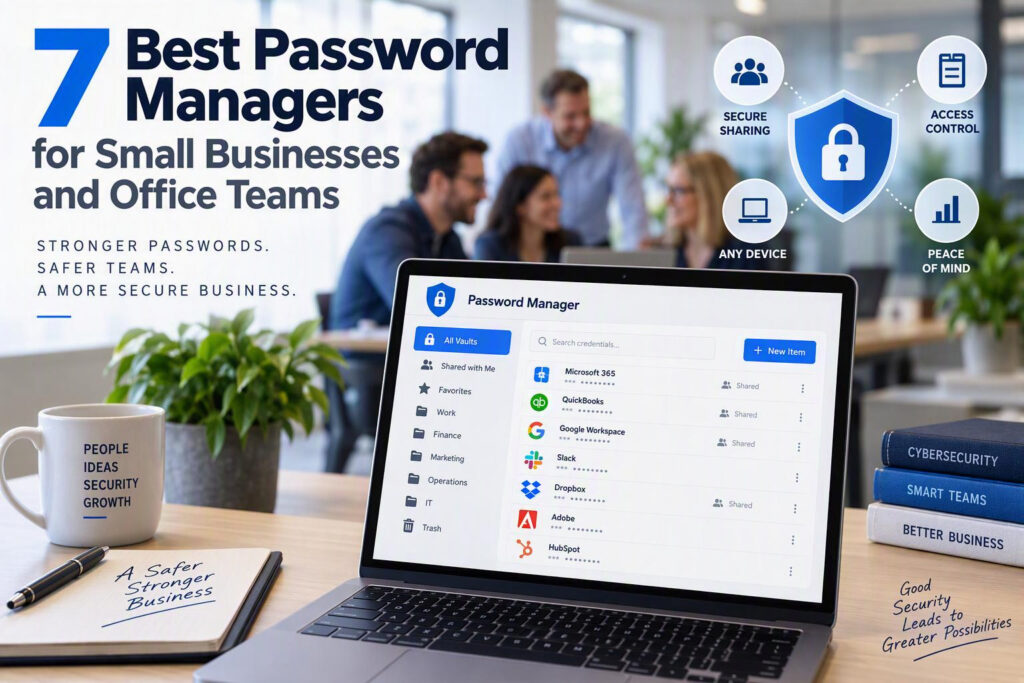
Storing business passwords in a shared spreadsheet might seem convenient, but it can create serious security risks when an employee leaves, a device is lost, or a phishing attack compromises a Microsoft 365 login. The best password managers for small businesses help protect sensitive information, simplify password sharing, and give administrators greater control over who can access company accounts.
For small businesses, professional offices, nonprofits, healthcare providers, and service organizations, password management is an essential part of cybersecurity. Employees regularly access email accounts, financial systems, cloud storage, client records, and third-party business applications. Without a secure system, managing these credentials can become difficult, especially as a company grows.
A business password manager provides a centralized place to store and share credentials securely. It also helps organizations manage employee access, enforce security policies, and reduce the risk of unauthorized access.
What to Look for in a Business Password Manager
The best password manager for your office should do more than save usernames and passwords. Business-focused solutions include administrative controls that help protect company accounts and simplify everyday IT management.
Before choosing a platform, look for these essential features:
Secure password storage: Protect business credentials with strong encryption.
Secure password sharing: Allow authorized employees to access shared accounts without sending passwords through email or text messages.
Multifactor authentication (MFA): Add another layer of protection beyond a password. Learn more about why enforcing MFA is important.
User and access management: Assign permissions based on employees’ roles and responsibilities.
Password generation: Create strong, unique passwords for business applications.
Administrative reporting: Identify weak or reused passwords and review relevant account activity.
Employee offboarding: Remove access when employees leave or change roles.
Device compatibility: Ensure the software works with your team’s computers, browsers, and mobile devices.
Not every small business needs advanced enterprise features. The goal is to choose a solution that meets your security requirements, fits your budget, and is simple enough for employees to use consistently.
The 7 Best Password Managers for Small Businesses
These seven business password managers offer different combinations of security, usability, administrative control, and affordability. The right option depends on your organization’s size, existing software, and internal IT resources.
1. 1Password Business: Best for Overall Ease of Use
1Password Business is a strong option for organizations looking for a user-friendly password manager with centralized administration. Its shared vaults allow businesses to organize credentials by department, team, application, or project.
Key capabilities include access permissions, administrative controls, security reporting, and tools that help employees manage business credentials across devices.
Best for: Professional offices and small businesses that prioritize employee adoption and straightforward password sharing.
Consideration: Compare subscription costs and plan features to determine whether the additional administrative capabilities justify the expense for your team.
2. Bitwarden: Best for Budget-Conscious Businesses
Bitwarden is a popular password management solution known for its open-source foundation and flexible offerings. Its business features support shared collections, user management, and secure access to credentials across browsers and devices.
For smaller organizations, Bitwarden can provide a practical balance between affordability and security. Administrators should still establish clear policies, configure appropriate access permissions, and ensure employees understand how to use the platform.
Best for: Small businesses, nonprofits, and growing teams looking for a cost-conscious password management solution.
Consideration: Review the administrative tools available in each plan and determine how much setup and ongoing management your organization can handle internally.
3. Keeper Business: Best for Advanced Security Controls
Keeper Business is designed for organizations that need detailed access management and additional security oversight. Features include shared folders, role-based permissions, administrative policies, reporting, and optional tools for privileged access management.
These capabilities can be useful for businesses handling confidential client information or operating under specific security and compliance requirements.
Best for: Organizations that need stronger administrative controls and room to expand their cybersecurity processes.
Consideration: More advanced settings may require additional time and expertise to configure and maintain.
4. Dashlane Business: Best for Employee Adoption
Dashlane Business emphasizes usability while providing centralized password management and security visibility. Depending on the plan, businesses can access password sharing, administrative dashboards, policy controls, and password health monitoring.
A straightforward interface can make it easier for employees to move away from insecure habits, such as reusing passwords or saving credentials in unprotected documents.
Best for: Offices that want to improve password habits without introducing a complicated daily workflow.
Consideration: Check the current plan details carefully, as available features and pricing may vary.
5. LastPass Business: Best for Teams Already Using LastPass
LastPass Business offers password storage, shared folders, administrative management, multifactor authentication, and password security reporting.
Organizations already using LastPass may benefit from reviewing their existing configuration, access permissions, and security policies before deciding whether to continue or migrate to another provider.
LastPass has also experienced significant security incidents in recent years. Businesses considering the platform should review its current security documentation, understand the implications of its incident history, and compare it with competing solutions before making a decision.
Best for: Businesses evaluating their existing password management setup or considering a familiar platform.
Consideration: Give particular attention to vendor security, risk tolerance, and the controls available to protect sensitive credentials.
6. NordPass Business: Best for Simplicity
NordPass Business offers a relatively straightforward approach to business password management, with features such as shared folders, centralized administration, and password health tools.
Its approach may appeal to smaller teams that need secure credential storage and sharing without the complexity of a more extensive enterprise security platform.
Best for: Small offices with straightforward password management requirements.
Consideration: Confirm that the selected plan supports your required permissions, reporting, integrations, and administrative workflows.
7. RoboForm for Business: Best for Web-Based Workflows
RoboForm for Business combines password storage with form-filling capabilities and centralized credential management. These features can be useful for employees who frequently access vendor portals, insurance websites, government services, and other web-based applications.
Although its interface may feel different from newer competitors, it can be a practical option for businesses that value straightforward credential management.
Best for: Offices that regularly use multiple online portals and need convenient, centralized password access.
Consideration: Compare its reporting, integration, and access-management features with those of other business password managers before committing.
How to Choose the Right Password Manager for Your Business
Selecting the best business password manager starts with understanding how your employees use company accounts.
A professional services firm might need to manage accounting software, client portals, and document-sharing platforms. A nonprofit may depend on shared banking, fundraising, email marketing, and social media accounts. A healthcare organization may need to control access to systems containing confidential patient information.
Regardless of your industry, consider the following questions before choosing a solution:
Can you organize shared credentials into separate folders or vaults?
Can administrators quickly remove an employee’s access?
Does the platform support multifactor authentication?
Are security reports and administrative controls included in the subscription?
Is the software compatible with your existing devices and applications?
Can permissions be restricted according to each employee’s responsibilities?
Does the solution integrate with your current identity management or single sign-on tools, if needed?
Who will manage the system, review access, and respond to security concerns?
Your budget matters, but the cheapest subscription is not necessarily the most cost-effective choice. A well-managed password system can reduce administrative work, improve employee productivity, and help prevent costly account compromises.
Password Management Best Practices for Office Teams
Choosing a password manager is only the first step. Businesses also need consistent procedures to ensure credentials remain protected as employees, devices, and responsibilities change.
1. Enable Multifactor Authentication
Require MFA for important business accounts, especially email, financial applications, cloud storage, and administrative portals. Where available, consider phishing-resistant authentication methods for high-risk accounts.
2. Use Unique Passwords for Every Account
Employees should avoid reusing passwords across business applications. A password manager can generate and store unique credentials, reducing the risk that one compromised password will expose multiple systems.
3. Store Shared Credentials Securely
Keep company passwords in approved business vaults rather than spreadsheets, unsecured documents, email messages, or text conversations. Give employees access only to the credentials required for their roles.
4. Remove Access Promptly When Employees Leave
Employee offboarding should include more than disabling an email account. Administrators should revoke password manager access, remove shared vault permissions, review active sessions, and transfer ownership of essential business accounts.
Depending on the systems involved, it may also be necessary to rotate shared passwords, revoke API keys, review recovery methods, and update authentication settings.
5. Assign Ownership of Critical Accounts
Make sure essential services, including domain registration, website hosting, cloud backups, payment platforms, and social media accounts, are registered to appropriate business-controlled accounts.
Document recovery procedures and assign responsible contacts so that access does not depend on a former employee’s personal email address.
6. Review Access Permissions Regularly
Employees change roles, projects end, and vendors no longer need access. Schedule periodic reviews of shared vaults and business credentials to confirm that permissions remain appropriate.
How Managed IT Services Can Help Improve Password Security
For small businesses without a dedicated IT department, implementing and maintaining a password management system can be challenging. Someone needs to configure access permissions, establish policies, assist employees, and make sure security procedures are followed.
A managed IT services provider can help your organization choose an appropriate password manager, configure user access, strengthen authentication practices, and incorporate credential management into a broader cybersecurity strategy.
For businesses in Chilliwack and across the Fraser Valley, Myriad Technologies helps organizations approach IT security as an ongoing business priority rather than a one-time setup. The right support can help reduce preventable security risks while allowing employees to focus on their work.
Protect Your Business Accounts with a Better Password Management Strategy
The best password manager for your business is one that combines strong security, practical administration, and a user experience your employees will consistently follow.
Whether you choose 1Password, Bitwarden, Keeper, Dashlane, LastPass, NordPass, or RoboForm, focus on secure password storage, controlled sharing, multifactor authentication, and reliable employee offboarding.
A password manager is an important part of protecting business accounts, but it works best alongside employee training, access reviews, and a well-defined cybersecurity plan.
Need help strengthening your business’s password security? Contact Myriad Technologies to discuss managed IT services and practical cybersecurity solutions for your organization.