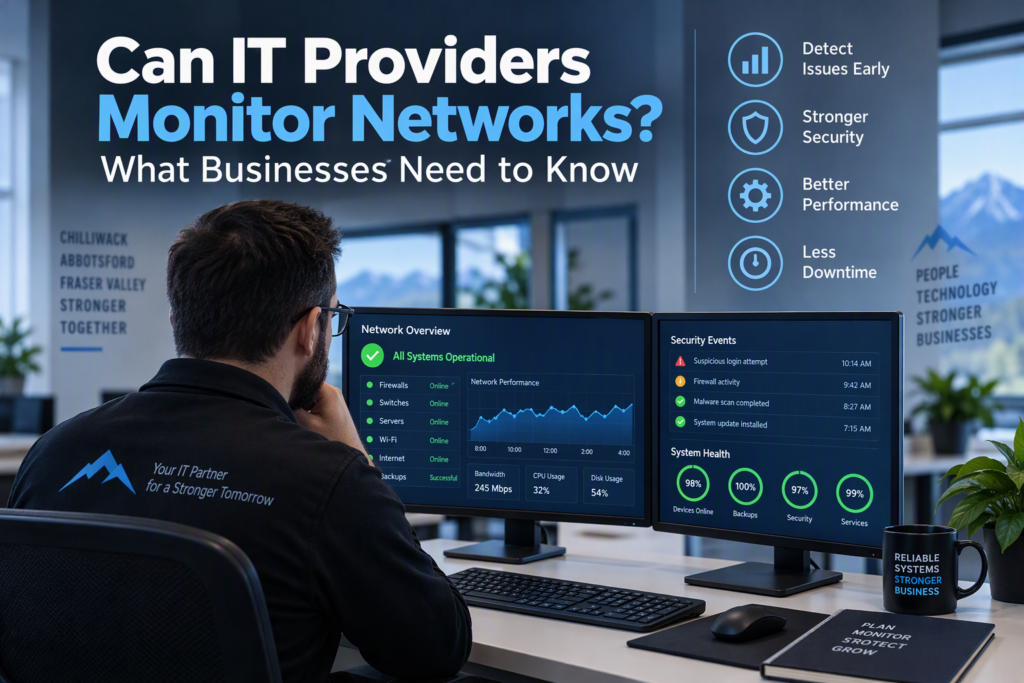
A slow business network at 10:00 a.m. can quickly disrupt your entire workday. Employees may lose access to cloud files, payment terminals may stop responding, and business phone systems may drop important calls. Can IT providers monitor networks to prevent these problems? Yes. Network monitoring is a key part of managed IT services, helping small and midsize businesses identify technical issues, improve network performance, and reduce unexpected downtime.
Professional network monitoring allows an IT provider to track the health, availability, and security of your business technology. However, it does not automatically mean the provider can see everything employees do online or access every file on their computers. The scope of monitoring, access permissions, and data-handling practices should be clearly defined in your managed IT services agreement.
For businesses in Chilliwack and across the Fraser Valley, proactive network monitoring can help maintain reliable systems, strengthen cybersecurity, and keep daily operations running smoothly.
Can IT Providers Monitor Networks Without Invading Employee Privacy?
Yes. IT providers can monitor business networks while respecting employee privacy, provided the right tools, permissions, and safeguards are in place. A managed service provider (MSP) typically monitors the technology your organization depends on, including internet connections, firewalls, servers, Wi-Fi equipment, backup systems, antivirus software, and business computers.
For example, your IT provider may receive an automated alert when a scheduled backup fails, a firewall detects suspicious activity, a server approaches its storage limit, or your internet connection goes offline. These notifications allow technicians to investigate potential problems before they significantly affect employees or customers.
This type of business network monitoring is different from continuous employee surveillance. Technical monitoring generally focuses on system performance and security information, such as device availability, processor usage, storage capacity, software updates, and service interruptions. It may also identify security events, including repeated failed login attempts or unusual network traffic.
Privacy requirements can vary depending on the organization and the information it handles. Healthcare providers, law firms, and nonprofits managing sensitive client information may require additional access controls, documentation, and data protection measures.
A trustworthy IT provider should explain what its monitoring tools collect, who can access that information, how long records are retained, and when further investigation may be necessary. Clear policies help businesses benefit from proactive IT support without creating unnecessary privacy concerns.
What Does Business Network Monitoring Usually Include?
Effective network monitoring is a preventative IT service designed to identify potential problems before they cause downtime. Rather than waiting for employees to report a slow connection or a system failure, technicians can use monitoring tools to identify warning signs and investigate them early.
Depending on your managed IT services plan, network monitoring may include:
Network availability monitoring: Checking whether routers, switches, firewalls, and other essential network equipment are online and functioning properly.
Wi-Fi and internet performance: Identifying overloaded wireless access points, unstable connections, and changes in network speed.
Server health monitoring: Tracking storage capacity, memory usage, processor performance, and other indicators of potential hardware or software problems.
Backup monitoring: Confirming that scheduled backups complete successfully and flagging failures that could put business data at risk.
Security alert monitoring: Reviewing firewall notifications, suspicious network activity, and other potential cybersecurity threats.
Software and update monitoring: Identifying computers and servers that are missing critical updates or security patches.
System error monitoring: Detecting recurring errors and service interruptions that could affect business operations.
Remote monitoring and management (RMM) tools can also help IT technicians assess the condition of individual workstations and servers. If a computer’s hard drive shows signs of failure or a server begins using unusually high amounts of memory, the support team can investigate and recommend corrective action before the issue becomes an emergency.
Not every alert requires immediate intervention. Business networks generate routine notifications, and experienced IT professionals know how to distinguish harmless events from problems that could disrupt operations. Monitoring is only effective when someone reviews alerts, prioritizes risks, takes appropriate action, and communicates important findings to the business.
How Network Monitoring Supports Cybersecurity
Network performance monitoring and security monitoring are closely connected, but they serve different purposes. Performance monitoring helps determine whether your systems are working correctly. Security monitoring helps identify suspicious activity that could indicate an attempt to access, disrupt, or compromise those systems.
Security monitoring may include alerts from antivirus and endpoint protection software, firewall logs, unusual Microsoft 365 sign-in activity, and unexpected changes to user accounts or access permissions.
For example, if an employee’s email account appears to have been compromised, early detection can help reduce the risk of further unauthorized access. Your IT provider can help secure the account, investigate affected devices, and take steps to limit potential damage.
However, network monitoring alone cannot protect a business from every cybersecurity threat. Strong passwords, multi-factor authentication, employee security awareness, reliable backups, and timely software updates remain essential components of a comprehensive IT security strategy.
Monitoring gives your IT team greater visibility into potential problems, but it works best when combined with preventative security measures and a clear incident response plan.
What Can an IT Provider See on Your Business Network?
The information an IT provider can access depends on the monitoring software, the permissions granted, and the terms of your service agreement. Understanding these boundaries is an important part of choosing a managed IT services provider.
Standard remote monitoring tools can often report a device’s name, operating system, hardware specifications, installed business applications, update status, security status, and technical error messages. Depending on the support arrangement, technicians may also be able to connect remotely to a computer to troubleshoot problems, install updates, or provide technical assistance.
Remote access should be appropriately secured and authorized. Depending on the circumstances, it may involve user notification or consent, or a previously agreed unattended maintenance arrangement.
Monitoring a computer does not automatically authorize an IT provider to read personal documents, browse employee emails, or inspect private online activity without a legitimate reason. If a technical investigation or security incident requires access to specific logs or accounts, that access should be limited to what is reasonably necessary and handled according to the organization’s policies.
Businesses should also distinguish between IT system monitoring and employee productivity surveillance. Some organizations use separate tools to track work hours or employee computer activity, but these practices involve different management, legal, and privacy considerations.
Productivity monitoring should not be quietly introduced as part of a standard IT support package. If your organization is considering these tools, establish a written policy, clarify the purpose of monitoring, and communicate the policy openly to employees.
Questions to Ask Before Choosing Network Monitoring Services
Before approving network monitoring, ask your IT provider how its services work and what protections are in place. You do not need extensive technical knowledge to understand the answers or make an informed decision.
Consider asking the following questions:
What systems will be monitored? Confirm whether the service covers computers, servers, network equipment, firewalls, backups, and cloud services.
What information do the monitoring tools collect? Understand what technical data is recorded and whether any additional monitoring capabilities are enabled.
How is remote access controlled? Ask whether technician access is logged, appropriately restricted, and protected by multi-factor authentication.
Who can access monitoring data? Find out which technicians or third parties can view system information and how access is managed.
Where is monitoring data stored? Ask how information is protected, how long records are retained, and how data is handled when the service ends.
How quickly are alerts investigated? Confirm response expectations during business hours, after hours, and during critical incidents.
How does the service support privacy and compliance? Discuss any applicable contractual, regulatory, or data protection requirements.
How will problems be communicated? Establish how the provider reports security incidents, recurring technical issues, and recommended improvements.
A reliable managed IT provider should explain technical issues in plain language. Some problems can be resolved in the background without disrupting employees. Others, such as a failing server, recurring internet outage, or suspected security breach, require a clear explanation and recommendations for next steps.
Your business should understand what happened, what action was taken, and whether any further work is required.
Why Proactive Network Monitoring Matters for Small Businesses
Large enterprises may have internal IT departments monitoring systems throughout the day, but small and midsize businesses often operate with limited technical resources. Despite having smaller teams, these organizations face many of the same challenges, including phishing attacks, hardware failures, software vulnerabilities, unreliable Wi-Fi, and unexpected service interruptions.
Proactive network monitoring helps small businesses identify and address IT problems before they lead to costly downtime. Instead of relying entirely on emergency repairs, businesses can plan maintenance, investigate recurring issues, and address potential weaknesses earlier.
Monitoring also provides valuable information when a problem occurs. Rather than guessing why a server went offline or an application stopped responding, technicians can review available system data, identify possible causes, and recommend appropriate solutions.
For many smaller organizations, managed IT services provide access to monitoring tools and technical expertise without the expense of maintaining a full in-house IT department.
However, the right monitoring solution depends on your organization’s size, technology, security requirements, and operational needs. A small office using a few cloud-based applications may require a different level of monitoring than a healthcare practice, law firm, or nonprofit handling confidential client records.
Effective monitoring also requires appropriate privacy safeguards, sensible alert configuration, and a team that knows how to respond when an issue is detected. More alerts do not automatically mean better protection.
For businesses in Chilliwack, Abbotsford, and across the Fraser Valley, working with a local managed IT services provider can offer an additional advantage. When a technical issue cannot be resolved remotely, access to responsive local support can help minimize disruption and restore essential business systems.
Keep Your Business Network Reliable, Secure, and Performing at Its Best
The best network monitoring services provide visibility into your IT environment without unnecessary intrusion. They help businesses identify technical problems earlier, improve network reliability, strengthen cybersecurity, and reduce the risk of unexpected downtime.
For small and midsize businesses, network monitoring is most valuable when it is part of a broader managed IT strategy that includes preventative maintenance, security protection, reliable backups, and responsive technical support.
Myriad Technologies helps businesses in Chilliwack and the Fraser Valley manage their technology needs with a focus on reliable systems, proactive IT support, and practical cybersecurity solutions. If you want to understand how network monitoring could benefit your organization, reviewing your current IT environment is a useful first step.
With the right monitoring approach and a dependable IT partner, your team can spend less time dealing with technology disruptions and more time focusing on customers, employees, and business growth.