
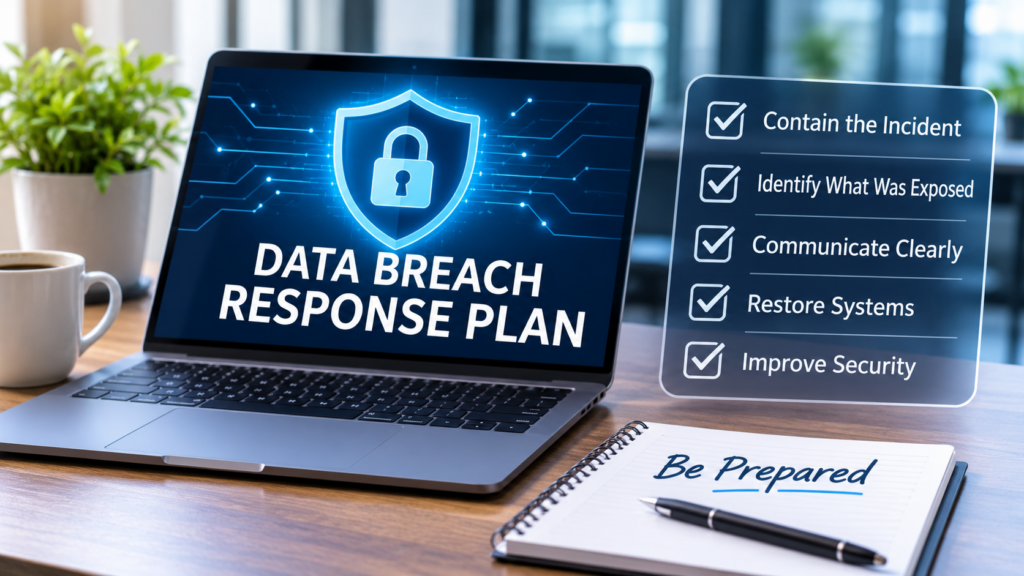
A data breach response plan helps small businesses respond quickly to cybersecurity incidents, protect sensitive information, and minimize operational disruption. Whether it’s a compromised email account, ransomware attack, or stolen business device, knowing what steps to take can help prevent financial losses and protect customer trust.
For small businesses, having a data breach response plan is essential. Knowing what to do, who to contact, and how to recover can make a significant difference in limiting damage.
Here are six important steps every organization should consider when preparing for a data breach.
1. Data Breach Response: Contain the Security Incident
The first priority during a data breach is to prevent further unauthorized access.
If a computer is compromised, disconnect it from Wi-Fi and the business network. Avoid shutting it down unless your IT provider recommends it, as valuable evidence may be lost.
For compromised email or Microsoft 365 accounts:
-
Reset affected passwords.
-
Revoke active login sessions.
-
Review suspicious login activity.
-
Check for unauthorized email forwarding rules.
-
Verify that multifactor authentication (MFA) is enabled.
Contact your IT provider as soon as possible. Avoid making major system changes without technical guidance, as this could complicate the investigation.
2. Assign Clear Responsibilities
Every business should know who is responsible for managing a cybersecurity incident.
Your response team should include:
-
Business management: Makes important decisions.
-
IT support: Investigates and secures affected systems.
-
Operations: Coordinates business activities.
-
Communications: Handles updates to employees and customers.
-
Legal or privacy advisers: Review reporting and compliance obligations when necessary.
Keep emergency contact information available offline. During a ransomware attack, company email and shared files may become inaccessible.
3. Identify What Information Was Exposed
Once the immediate threat is contained, determine what happened and which information may have been affected.
Your IT team should review login records, email activity, file access logs, security alerts, and backup status.
Pay particular attention to sensitive information, including:
-
Customer and employee records.
-
Financial and banking information.
-
Medical and personal information.
-
Confidential business documents.
Understanding what was accessed, copied, modified, or deleted helps determine the appropriate recovery and notification steps.
Depending on the information involved, privacy laws and contractual obligations may require additional action. Consult appropriate legal and privacy professionals before making decisions about notifications.
Canadian businesses should also understand their privacy reporting responsibilities. The Office of the Privacy Commissioner of Canada provides guidance on data breach reporting, notification requirements, and recordkeeping obligations under PIPEDA.
4. Communicate With Employees and Customers
Clear communication helps maintain trust during a data breach.
Employees should receive instructions about affected systems, suspicious emails, password changes, and alternative communication channels.
If customers or vendors may have been affected, explain what happened, what information may be involved, and what steps your organization has taken.
Avoid technical jargon and unconfirmed statements. Keep communication honest, straightforward, and consistent.
5. Restore Systems Securely
Restoring business operations should not mean immediately reconnecting every device.
Before bringing systems back online, confirm that the security issue has been addressed.
Recovery may involve:
-
Rebuilding compromised computers.
-
Updating software and security patches.
-
Resetting passwords and reviewing access permissions.
-
Removing unauthorized applications.
-
Restoring clean files from verified backups.
Regular, secure, and tested backups are essential. A backup is only useful if your business can successfully restore its data when needed.
Prioritize critical systems first so your organization can resume essential operations without unnecessary delays.
6. Strengthen Cybersecurity to Prevent Future Breaches
After resolving an incident, review what went wrong and identify ways to improve your security.
For small businesses across Chilliwack and the Fraser Valley, practical improvements include:
-
Email security solutions to help identify phishing and malicious messages.
-
Managed endpoint protection to monitor and protect business devices.
-
Multifactor authentication to secure employee accounts.
-
Regular software updates and security patching.
-
Monitored backups and restricted access controls.
-
Employee cybersecurity awareness training.
These measures help reduce security risks and improve your organization’s ability to respond to future threats.
Is Your Business Prepared for a Data Breach?
A data breach response plan should be practical, easy to understand, and tailored to your organization’s technology and operations.
Myriad Technologies helps businesses across Chilliwack and the Fraser Valley strengthen their IT security through proactive IT support, cybersecurity solutions, and ongoing technology management.
Don’t wait for a cybersecurity incident to discover gaps in your protection. Contact Myriad Technologies to discuss your business IT security needs and build a more resilient technology environment.