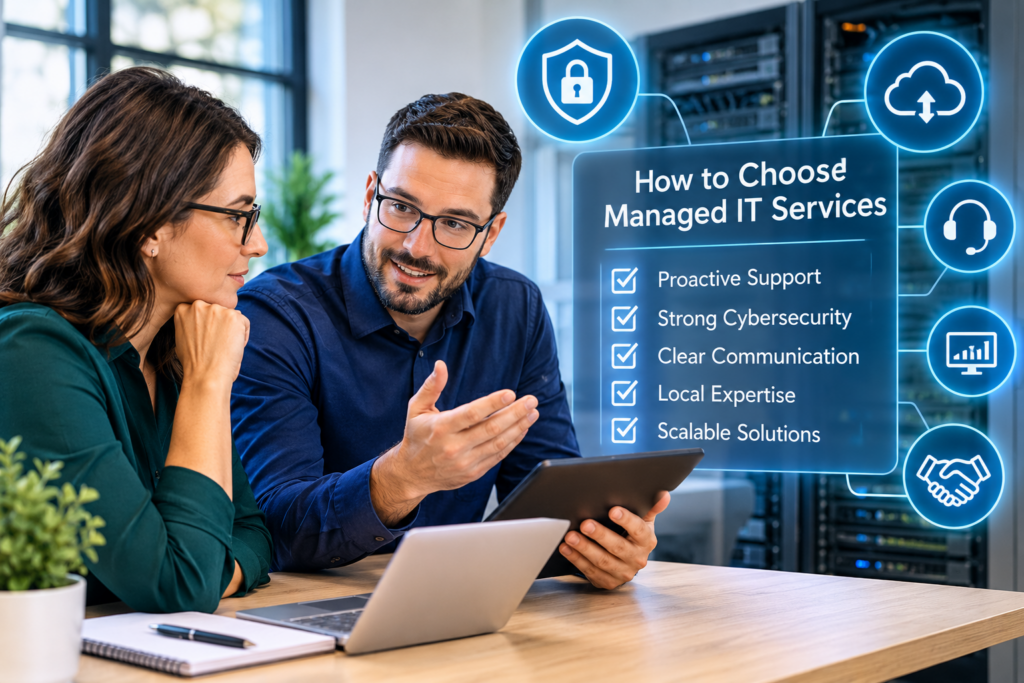
A server failure at 9 a.m. is more than an IT inconvenience. It can interrupt appointments, delay client projects, prevent employees from accessing essential files, and expose sensitive business information. Knowing how to choose managed IT services means finding a reliable IT partner that prevents technology problems, minimizes downtime, and provides expert support when your business needs it.
For small and midsize businesses, choosing the right managed IT services provider is an important operational decision. The right partner should work as an extension of your team, understand your business requirements, communicate in plain language, and help keep your technology secure, reliable, and cost-effective.
Whether you operate a professional office, healthcare practice, construction company, nonprofit organization, or growing business, your IT provider should deliver more than occasional troubleshooting. They should help you maintain business continuity, strengthen cybersecurity, and plan for future technology needs.
Identify Your Business IT Support Needs Before Choosing a Provider
Managed IT services are not a one-size-fits-all solution. Every organization has different technology requirements, operational challenges, and security risks.
For example, a law office managing confidential client records may prioritize data protection and secure file access. A healthcare practice may need reliable patient scheduling systems and stronger privacy controls. A construction company may depend on cloud-based project management tools, mobile access, and communication between office and field employees.
Before comparing managed IT providers, identify the technology problems affecting your daily operations. Consider issues such as:
Frequent computer problems and slow system performance
Unreliable internet connections and business Wi-Fi
Password management and account access difficulties
Disorganized cloud storage and file-sharing processes
Inconsistent data backups and recovery procedures
Cybersecurity concerns and suspicious email activity
Delayed IT support and unresolved technical issues
It is also important to consider your organization’s future plans. Are you hiring additional employees, opening another location, migrating to cloud services, upgrading business phone systems, or facing new cybersecurity requirements?
A reliable managed IT services provider should understand both your current challenges and long-term business goals. This helps ensure your IT infrastructure can grow alongside your organization without unnecessary expenses or repeated technology changes.
Understand What Is Included in Managed IT Services
When comparing managed IT services providers, do not evaluate proposals based on price alone. Understanding exactly what is included in your monthly IT support agreement is equally important.
Some providers advertise unlimited IT support, but certain services may come with additional charges. Onsite visits, after-hours support, major infrastructure projects, cybersecurity incident response, and new employee onboarding may not be included in the standard monthly fee.
A comprehensive managed IT services agreement may include:
24/7 IT monitoring: Monitoring business systems and identifying potential issues before they cause disruptions.
Help desk support: Providing employees with assistance for everyday technical problems.
Proactive maintenance: Keeping computers, servers, and network equipment updated and operating efficiently.
Patch management: Applying software and security updates to address vulnerabilities.
Endpoint management: Monitoring and managing business computers and connected devices.
Data backup monitoring: Checking backup processes and supporting data recovery.
Cybersecurity protection: Implementing security tools and practices to reduce business risks.
IT planning and consulting: Recommending technology improvements based on business priorities.
The services your organization needs will depend on its size, infrastructure, applications, and security requirements.
Ask providers to clearly separate ongoing managed IT support from project-based services. Routine maintenance should keep your existing environment healthy, while larger projects such as server replacements, office relocations, network redesigns, and cloud migrations may require separate quotes.
A transparent provider will explain these costs upfront so you can plan your IT budget with confidence.
Choose a Managed IT Provider That Prioritizes Proactive IT Support
One of the biggest differences between traditional IT support and managed IT services is the focus on prevention.
Traditional break-fix support typically responds after something goes wrong. Managed IT services take a more proactive approach by monitoring systems, maintaining infrastructure, and identifying potential risks before they interrupt business operations.
When evaluating an IT provider, ask how they monitor your systems and respond to alerts. Find out how frequently they apply security updates, review hardware performance, assess network health, and identify risks such as weak passwords or outdated software.
Data backups also deserve special attention. Simply having a backup does not guarantee that your organization can recover its information after an incident.
Ask potential providers:
How frequently are business backups performed?
Are backup systems monitored and tested regularly?
How quickly can important business data be restored?
Are backups protected against ransomware and accidental deletion?
What recovery procedures are followed during an emergency?
A dependable managed IT partner should explain its maintenance and recovery processes clearly. The objective is to reduce downtime, protect important business information, and help employees continue working when technical issues occur.
Evaluate Cybersecurity Protection When Choosing Managed IT Services
Cybersecurity is an essential part of business IT management. It should not be treated as an optional product or a one-time security installation.
Businesses face ongoing risks from phishing emails, compromised passwords, malware, ransomware, unauthorized account access, and other cyber threats. A managed IT services provider should help reduce these risks through a combination of technology, employee awareness, and security procedures.
Ask whether the provider offers essential cybersecurity measures such as:
Email filtering and phishing protection
Endpoint detection and protection
Regular operating system and software updates
Secure data backups and recovery planning
Network monitoring and firewall management
Employee cybersecurity awareness training
It is also important to understand how the provider helps employees recognize phishing attempts. Even well-protected businesses can face security incidents when someone unknowingly clicks a suspicious link or shares confidential information.
Ask what happens if an employee’s account is compromised or ransomware affects your network. Who investigates the incident? How quickly can the provider respond? What steps are taken to contain the threat and restore operations?
Be cautious of providers promising complete protection. No cybersecurity solution can eliminate every risk. A trustworthy managed IT partner will explain the security measures in place, identify remaining vulnerabilities, and establish a clear incident response process.
Check IT Support Response Times and Local Availability
When business technology stops working, every minute can affect productivity and customer service. That is why response times and support availability should be major considerations when choosing a managed IT services provider.
Ask potential providers about their service-level agreements (SLAs) and expected response times for different types of technical issues.
For example, a minor printer problem may not require immediate attention. However, a complete network outage, inaccessible business application, or suspected ransomware incident needs a much faster response.
Find out whether the provider offers:
Remote IT troubleshooting and technical support
Onsite IT support when remote assistance is insufficient
Emergency support for critical business disruptions
Defined response times for urgent and routine requests
After-hours support arrangements
For businesses in Chilliwack and across the Fraser Valley, having access to local IT support can be particularly valuable when an issue requires an onsite technician.
However, proximity alone is not enough. Your provider should also have the technical expertise, staffing, and documented processes to support your organization consistently.
Find Out Who Will Be Managing Your Business Technology
A successful managed IT relationship depends on more than technical knowledge. Your provider should understand your business environment, technology requirements, and the employees who depend on your systems.
During the evaluation process, ask whether you will work with a consistent point of contact, a dedicated support team, or a rotating help desk.
A larger IT support team may offer access to specialized technical expertise and broader coverage. A smaller provider may offer more direct communication and familiarity with your business. Both approaches can work well when responsibilities are clearly defined.
Make sure the provider documents technical issues, maintains accurate system records, and shares important information internally. You should not have to explain your entire IT environment every time you contact support.
It is also worth asking whether the provider has experience supporting businesses similar to yours. Industry experience can help them understand the operational impact of downtime, data sensitivity, and specific software requirements.
Request examples of previous work involving infrastructure improvements, cybersecurity, cloud migrations, and business continuity planning.
Look for Clear Communication and Long-Term IT Planning
Technical expertise is important, but your managed IT services provider should also be able to explain technology decisions in business terms.
For example, if your server is approaching the end of its useful life, you should understand the potential risks, replacement options, estimated costs, and recommended timeline without needing to interpret complicated technical terminology.
Ask how frequently the provider conducts IT reviews and discusses future technology requirements with your organization.
Regular IT planning can help businesses:
Budget for hardware and infrastructure replacements
Identify cybersecurity gaps before they become serious problems
Improve employee productivity through better technology
Plan cloud migrations and software upgrades
Reduce unexpected IT expenses
Align technology investments with business growth
This is particularly valuable for small and midsize businesses without an internal IT department or dedicated IT manager.
A good provider will recommend solutions based on your actual requirements rather than pushing unnecessary products or expensive upgrades. At the same time, they should be comfortable explaining when outdated systems or security weaknesses need attention.
The best IT advice balances operational requirements, cybersecurity risks, and your available budget.
Review the Managed IT Services Contract and Onboarding Process
Before selecting a managed IT services provider, carefully review the service agreement. Understanding the contract helps prevent unexpected costs and disagreements later.
Pay particular attention to:
Contract length and renewal conditions
Monthly service fees and potential price increases
Cancellation requirements and termination fees
Included services and additional project charges
Support availability and response-time commitments
Ownership of business documentation and credentials
Data access and backup responsibilities
You should retain control and access to essential business records, administrator credentials, licensing information, network documentation, and backup procedures.
Also, ask how the onboarding process works when transitioning from another IT provider or bringing in managed IT support for the first time.
A proper onboarding process should include an assessment of your existing technology environment, system documentation, management tool installation or review, security improvements, and employee communication about how to request support.
A provider that takes the time to understand your infrastructure before making changes is more likely to identify potential problems and establish a reliable support arrangement.
Why Choose Myriad Technologies for Managed IT Services in Chilliwack and the Fraser Valley?
Choosing the right managed IT services provider is an investment in your organization’s productivity, security, and long-term stability.
Myriad Technologies understands that businesses need dependable technology to serve customers, support employees, and operate efficiently. Our approach focuses on proactive IT management, straightforward communication, and practical technology solutions designed around each organization’s needs.
We support businesses in Chilliwack and across the Fraser Valley with IT services that help maintain reliable systems, improve technology performance, and address cybersecurity concerns.
Whether your organization needs ongoing IT support, system monitoring, maintenance, or guidance on improving its technology infrastructure, having a dependable IT partner can make managing your business technology easier.
The right managed IT services provider is not simply the company with the longest list of technical services or the lowest monthly price. It is a partner that understands your business, identifies potential problems, communicates clearly, and takes responsibility for helping your technology work reliably.
Looking for reliable managed IT services in Chilliwack or the Fraser Valley? Contact Myriad Technologies to discuss your business IT requirements and find out how proactive IT support can help your organization stay productive, secure, and prepared for growth.