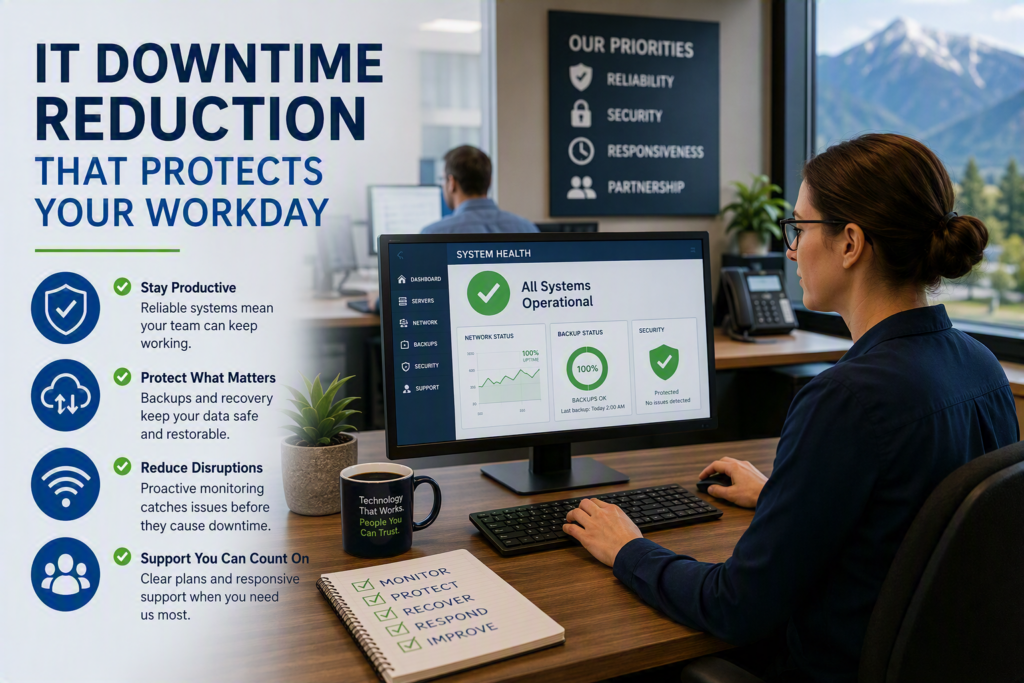
A seven-minute outage can feel much longer when a receptionist cannot access a schedule, a pharmacy cannot process a transaction, or a professional office cannot retrieve a client file. IT downtime reduction is not simply about keeping computers switched on. It is about protecting the work your people need to do, the service your customers expect, and the confidence your organization has in its technology.
For small and midsize businesses, downtime is rarely one dramatic event. More often, it begins with a slow server, a dropped internet connection, an expired security certificate, or a staff member unable to sign in to Microsoft 365. Left unresolved, small interruptions compound into missed deadlines, frustrated employees, delayed payments, and lost opportunities.
Start With the Business Impact, Not the Equipment
The most effective IT downtime reduction strategy starts by identifying the systems your organization cannot operate without. The answer will differ for a law office, healthcare provider, nonprofit organization, or construction company. A file server may be mission-critical for one business, while cloud email, point-of-sale software, phone systems, or industry-specific applications are the top priorities for another.
Ask practical questions:
- If this system stopped working at 10 a.m., who would be affected?
- Could employees continue working manually for an hour, a day, or not at all?
- What information would be at risk?
- Which customers, patients, vendors, or partners would feel the impact first?
These discussions help create a clear order of priorities. Not every system requires the same level of redundancy, backup protection, or support response. Investing heavily in duplicate infrastructure for a non-essential application may not make sense. However, enduring a full day of email or internet disruption because there is no contingency plan is often far more expensive than business owners realize.
Build IT Downtime Reduction Into Daily Operations
Technology issues are easier to prevent when systems are monitored and maintained before users notice a problem.
Proactive monitoring can identify:
- Failing hard drives
- Storage capacity limitations
- Firewall performance issues
- Network congestion
- Server health concerns
- Repeated connection errors
Regular maintenance also ensures operating systems, business applications, and security tools remain updated and secure.
Updates should be managed carefully. Installing every software update immediately during business hours can sometimes create its own disruption, especially when newer software conflicts with older applications. A better approach is to schedule maintenance windows, test important updates when possible, and verify that all critical services return online after updates are applied.
The same principle applies to aging technology. Computers, servers, switches, and wireless access points rarely fail at a convenient time. Organizations that proactively replace aging infrastructure often experience fewer disruptions and lower emergency support costs. A documented technology lifecycle plan helps spread expenses over time while avoiding unexpected failures.
Watch for Small Warning Signs
Recurring technology issues deserve attention, even when employees have learned to work around them.
A printer that regularly disconnects, a video call that consistently freezes in the same meeting room, or a shared drive that slows down every afternoon may indicate a larger capacity, network, or configuration issue.
Encourage employees to report these problems early. Many people avoid contacting IT because the issue seems minor or they have discovered a temporary workaround. However, those experiences often provide valuable insight into larger underlying problems. A proactive IT support partner can frequently identify patterns before they become widespread business interruptions.
Protect Your Data With Recovery You Can Trust
Backups are essential to business continuity, but having backups is not the same as being able to recover.
A backup may be incomplete, outdated, inaccessible, or affected by the same ransomware attack that disrupted the original system. The real question is not whether a backup completed successfully last night. The real question is whether your team can restore the right information within an acceptable timeframe.
A practical backup and disaster recovery strategy typically includes:
- Multiple copies of important data
- Offsite or cloud-based backup protection
- Coverage for email and cloud services
- Protection for accounting and business applications
- Recovery plans for critical systems
Recovery testing is where many organizations discover weaknesses. Schedule regular tests to restore files, mailboxes, or critical applications. These exercises reveal how long recovery actually takes and whether passwords, licenses, configurations, and documentation are available when needed.
Finding gaps during a planned test is far preferable to discovering them during a real emergency.
Reduce Single Points of Failure
A single point of failure is any device, service, connection, or individual that can stop a critical process.
Examples include:
- One internet service provider supporting cloud-based operations
- A single server running essential applications
- One employee who knows a critical password
- One administrator with exclusive access to key accounts
Not every business requires complete redundancy. A small office may not need duplicate servers or multiple internet connections. The right solution depends on the financial and operational impact of an outage.
However, every organization should understand where single points of failure exist and make informed decisions about them. Depending on business needs, backup internet connections, cloud failover options, redundant storage, and proper credential management can dramatically reduce risk.
Treat Cybersecurity as an Uptime Strategy
Cybersecurity and system availability are closely connected.
Ransomware, compromised accounts, malicious software, and unauthorized system changes can quickly disrupt day-to-day operations. Even after a security incident is contained, businesses often spend days or weeks recovering data, resetting accounts, and restoring services.
Organizations can reduce these risks through:
- Strong multifactor authentication
- Advanced email filtering
- Endpoint protection
- Patch management
- Access controls
- Employee cybersecurity awareness training
Employees should also know how to report suspicious emails, login prompts, or unusual activity without hesitation. Early reporting gives IT teams more time to contain threats before they affect shared files, financial systems, or customer data.
Create a Response Plan People Can Actually Use
During an outage, employees do not need a lengthy technical manual. They need clear instructions.
An effective incident response plan should identify:
- Critical systems and priorities
- Key contacts and decision-makers
- Escalation procedures
- Vendor support information
- Alternative communication methods
- Recovery responsibilities
Keep a secure offline copy available. A response plan stored exclusively on an unavailable network provides little value during an outage.
Strong IT support also depends on communication. Employees need to know that issues have been acknowledged, what steps are underway, and when they can expect updates. While exact restoration times are not always available immediately, transparent communication helps maintain confidence and reduces uncertainty.
For organizations throughout Chilliwack and the Fraser Valley, having responsive local IT support can make a significant difference when issues require onsite assistance in addition to remote troubleshooting.
Measure What Causes Interruptions
Do not rely on memory alone when evaluating downtime.
Track:
- Incident frequency
- Downtime duration
- Systems affected
- Root causes
- Resolution times
Over time, these records often reveal patterns. The primary challenge may be unreliable internet connectivity, aging hardware, account management issues, software updates, or recurring user access problems.
Use those insights to prioritize improvements. If frequent minor outages are occurring, enhanced monitoring and maintenance may be the solution. If rare outages have significant consequences, disaster recovery planning, backup testing, and redundancy may deserve greater attention.
Final Thoughts on IT Downtime Reduction
Effective IT downtime reduction is not a one-time project. It is an ongoing business strategy that combines proactive monitoring, reliable backups, cybersecurity, hardware lifecycle planning, and clear recovery procedures.
When systems are monitored, data is recoverable, priorities are documented, and employees know where to turn for support, technology becomes far less stressful. The result is greater productivity, stronger customer service, and more time spent focusing on business growth rather than unexpected interruptions.