A server failure at 10:30 a.m. is not simply an IT problem. It can stop appointments, delay client work, prevent employees from accessing important files, and leave business owners wondering who is responsible for getting everything back online.
That is where IT outsourcing can make a real difference.
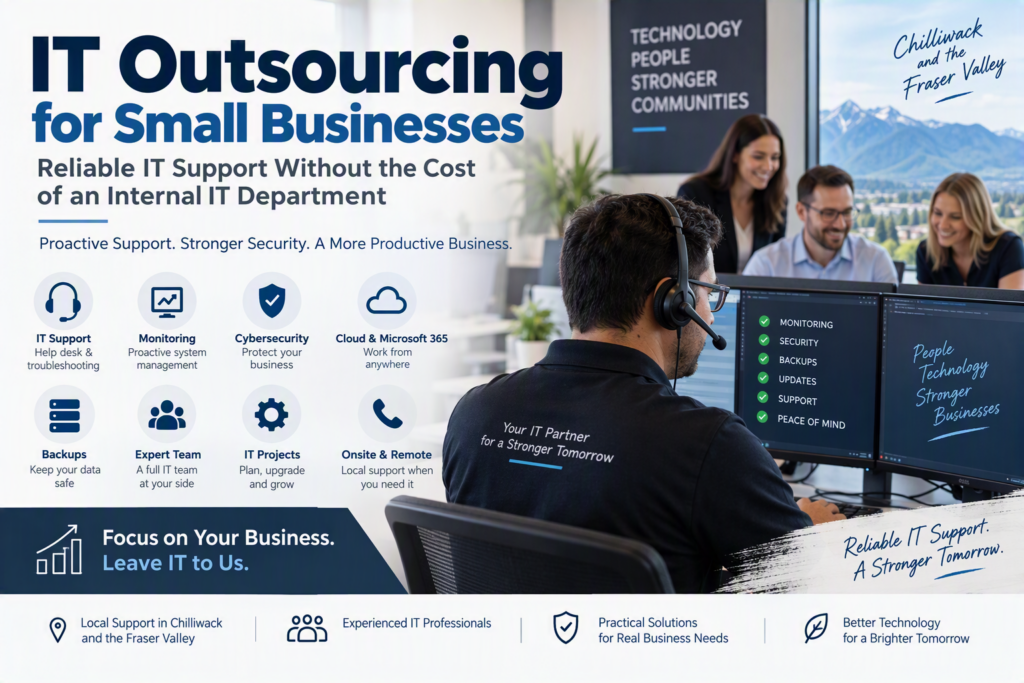
For small and midsize businesses, the right outsourced IT provider does more than fix computers when something goes wrong. Managed IT services and outsourced IT support provide ongoing monitoring, maintenance, cybersecurity, troubleshooting, and technology guidance so your business can keep moving.
For professional offices, healthcare organizations, nonprofits, and growing businesses in Chilliwack and the Fraser Valley, maintaining a full internal IT department may not be practical. At the same time, the technology your organization relies on needs consistent attention.
Cybersecurity threats, cloud applications, Microsoft 365, remote work, aging hardware, backups, and compliance requirements all require ongoing management.
IT outsourcing gives businesses access to technical expertise without the cost and complexity of building a large internal IT team.
What Does IT Outsourcing Actually Mean?
IT outsourcing is sometimes misunderstood as simply calling a remote help desk whenever a computer stops working.
That is only one part of what outsourced IT support can provide.
A strong IT outsourcing partnership combines responsive technical support with proactive IT management. Instead of waiting for something to break, your IT provider learns how your systems work, monitors important technology, manages routine maintenance, helps employees resolve technical issues, and identifies potential problems before they result in costly downtime.
Your business remains in control of its technology decisions while gaining access to professionals who can manage and support your IT environment.
Depending on your needs, outsourced IT services can include:
Help desk and technical support
Network monitoring and management
Computer and device setup
Microsoft 365 administration
Cloud services and support
Cybersecurity protection
Backup management
Email security
User and account management
Business continuity planning
Technology assessments
IT projects and upgrades
Phone and communication systems
The right combination depends on your organization.
A legal office may need secure access to documents and reliable business continuity. A healthcare provider may prioritize protected information and dependable devices. A nonprofit may need affordable technology support while helping employees collaborate across different locations.
The goal is not simply to outsource technology.
The goal is to make technology easier, safer, and more reliable for your business.
Why Businesses Choose IT Outsourcing
Many organizations initially look for IT support because of a specific problem.
It might be recurring computer issues, unreliable Wi-Fi, a cybersecurity incident, a ransomware concern, or an employee who cannot access an important account.
But businesses often continue with outsourced IT services because proactive support creates greater predictability and reduces the technology problems that interrupt everyday operations.
1. Reliable IT Support Without Depending on One Person
Many small businesses have an unofficial “computer person” on staff.
They might be knowledgeable and willing to help, but technology support is usually not their primary responsibility. When that employee is busy, sick, on vacation, or leaves the organization, important technical knowledge can disappear with them.
Outsourcing IT provides access to a broader team instead of relying on one individual.
That can mean:
Faster support for urgent problems
Additional technical expertise when needed
Coverage during vacations and absences
Help with specialized IT projects
Better documentation
A consistent place for employees to request support
The benefit is more than technical knowledge.
It is continuity.
Employees know where to go when they have a problem, and business owners know that technology issues have someone responsible for addressing them.
2. More Predictable IT Costs
Hiring a full-time IT employee involves much more than salary.
Businesses also need to consider benefits, recruitment, training, professional development, vacation coverage, and the challenge of finding someone who can manage every aspect of modern business technology.
Cybersecurity, networking, cloud platforms, Microsoft 365, backups, hardware, technical support, and strategic planning can require different areas of expertise.
With an outsourced IT arrangement, recurring support costs can be easier to budget and plan for. Larger projects, such as replacing servers, upgrading equipment, or moving offices, can be planned separately.
This does not mean every technology expense disappears. Hardware still needs to be replaced, software licensing changes, and security improvements may require investment.
However, working with an IT provider can help identify those expenses earlier and prioritize them based on business needs.
3. Cybersecurity Becomes Part of Everyday IT
Cybersecurity is not something businesses can address once a year and forget about.
Many cyberattacks begin with ordinary weaknesses such as reused passwords, outdated software, poorly secured email accounts, phishing attempts, fake invoices, or backups that have never been properly tested.
A capable IT outsourcing partner can help reduce these risks through consistent security practices.
This may include:
Software and security updates
Endpoint protection
User and account management
Email security
Multifactor authentication
Backup monitoring
Access control
Security awareness
Cybersecurity assessments
For example, businesses can strengthen their protection by improving email security, implementing multifactor authentication, and maintaining reliable backups.
Just as importantly, a good IT provider should explain security recommendations in language employees and business owners can understand.
Cybersecurity works best when people understand why a particular security measure matters.
4. A Better Technology Strategy for Business Growth
Technology decisions are often hardest to make when they happen during an emergency.
A proactive IT provider can help businesses plan for growth, new employees, remote work, software changes, office moves, equipment replacement, cloud services, and changing security requirements.
The newest technology is not always the best technology.
A five-person business has different requirements from a 50-person organization with multiple locations. Good IT guidance should consider:
What technology you currently use
What is causing problems for employees
Where your biggest security risks are
What systems are critical to your business
What your organization expects to change over the next one to two years
This creates a more practical technology strategy instead of buying new technology simply because it is available.
Where IT Outsourcing Works Best
IT outsourcing can be particularly valuable for businesses where technology is essential to daily operations but maintaining a large internal IT department is not realistic.
This can include organizations that:
Handle sensitive or confidential information
Depend heavily on cloud applications
Have hybrid or remote employees
Need reliable Microsoft 365 support
Cannot afford prolonged downtime
Need stronger cybersecurity
Have limited internal technical resources
Are growing and need more structured IT support
IT Outsourcing Does Not Have to Replace Internal IT
Outsourcing IT does not necessarily mean eliminating an internal IT employee.
Many businesses use a co-managed IT support model, where internal staff continue handling company-specific systems while an external IT provider provides additional expertise and resources.
An outsourced IT partner can assist with:
Cybersecurity
Network monitoring
Backup management
Escalated technical issues
IT projects
Cloud services
Microsoft 365
After-hours support
Technology planning
This allows internal employees to focus on the systems and responsibilities they know best while receiving additional support when they need it.
Why Local IT Support Matters in Chilliwack and the Fraser Valley
Remote IT support can resolve many technical problems quickly, but not every problem can be fixed remotely.
A failed network device, office move, cabling issue, hardware installation, or infrastructure upgrade may require someone to be physically onsite.
For businesses in Chilliwack and across the Fraser Valley, having access to local IT support can provide an important advantage when an issue requires hands-on assistance.
A combination of remote support and onsite service gives businesses more flexibility when dealing with technology problems.
What to Look for in an IT Outsourcing Partner
Choosing an IT provider should involve more than comparing monthly prices.
A low-cost provider may not provide the level of support, security, communication, or accountability your business actually needs.
Before choosing an outsourced IT company, ask:
How quickly do you respond to urgent IT issues?
Do you provide proactive monitoring and maintenance?
What cybersecurity services are included?
How are backups managed and tested?
Who is responsible for our IT environment?
Do you provide onsite support?
How do you document systems and passwords?
What happens when an employee joins or leaves?
What services are included in the monthly agreement?
Which projects or services cost extra?
What happens if we eventually decide to change providers?
Communication is equally important.
Technical recommendations should be explained clearly and connected to business impact. You should understand what is being recommended, why it matters, and what it will cost.
If every conversation turns into a sales pitch for another product or service, it can become difficult to make confident technology decisions.
A good IT partner should be comfortable answering questions and explaining your options.
Documentation and Accountability Matter
Ask how the provider handles documentation, administrative access, backups, security policies, and employee changes.
Your business should know where important accounts are managed and who has administrative access to critical systems.
Clear documentation may not seem exciting, but it becomes extremely valuable during an emergency, staff transition, recovery process, or change in IT providers.
A strong IT provider should also be honest about limitations.
No IT company can guarantee that hardware will never fail or that an employee will never click a convincing phishing email.
What an experienced provider can do is reduce risk, create layers of protection, prepare for failures, and respond quickly when something goes wrong.
Common IT Outsourcing Mistakes to Avoid
Waiting Until Something Breaks
One of the biggest mistakes businesses make is waiting until a major technology failure occurs before looking for IT support.
Emergency IT support has an important role, but bringing a provider into your environment during a crisis means they have to learn your systems while everyone is under pressure.
Starting with an IT assessment and a practical support plan gives both sides a stronger foundation.
Treating IT as Separate From the Business
Your IT provider should understand more than your computers and network.
They should understand how your business operates, which applications are critical, where sensitive information is stored, how employees work, and what downtime could cost you.
Without that context, even technically correct advice may not solve the actual business problem.
Choosing an IT Agreement With Unclear Responsibilities
Before signing an IT outsourcing agreement, make sure responsibilities are clearly defined.
Understand:
What support is included
What is considered a project
How urgent requests are handled
What services have additional costs
What your employees are responsible for
How cybersecurity responsibilities are divided
What happens during an emergency
Clear expectations help create a stronger relationship between your business and your IT provider.
The Human Side of Better IT Support
The best IT outsourcing relationships should not feel like sending requests into a black box.
They should feel like having a dependable technology resource that understands your organization, responds when an issue is urgent, and takes the time to explain what happened and what should happen next.
That is the standard Myriad Technologies aims to bring to organizations that need reliable IT support without unnecessary complexity.
From IT outsourcing and managed IT services to cybersecurity, cloud support, Microsoft 365, backups, and technology planning, the goal is simple: help businesses use technology with greater confidence.
Technology should make it easier for your employees to do their work, communicate effectively, protect important information, and serve their customers and communities.
Ready to Take a More Proactive Approach to IT?
A good starting point is to write down the technology problems that interrupt your business most often.
Then identify the systems your organization could not operate without.
That simple exercise can turn a vague need for “better IT” into a practical conversation about IT support, cybersecurity, business continuity, and technology planning.
For businesses in Chilliwack and the Fraser Valley, the right IT outsourcing partner can provide the technical expertise and ongoing support needed to keep technology working for the business instead of becoming a constant source of frustration.