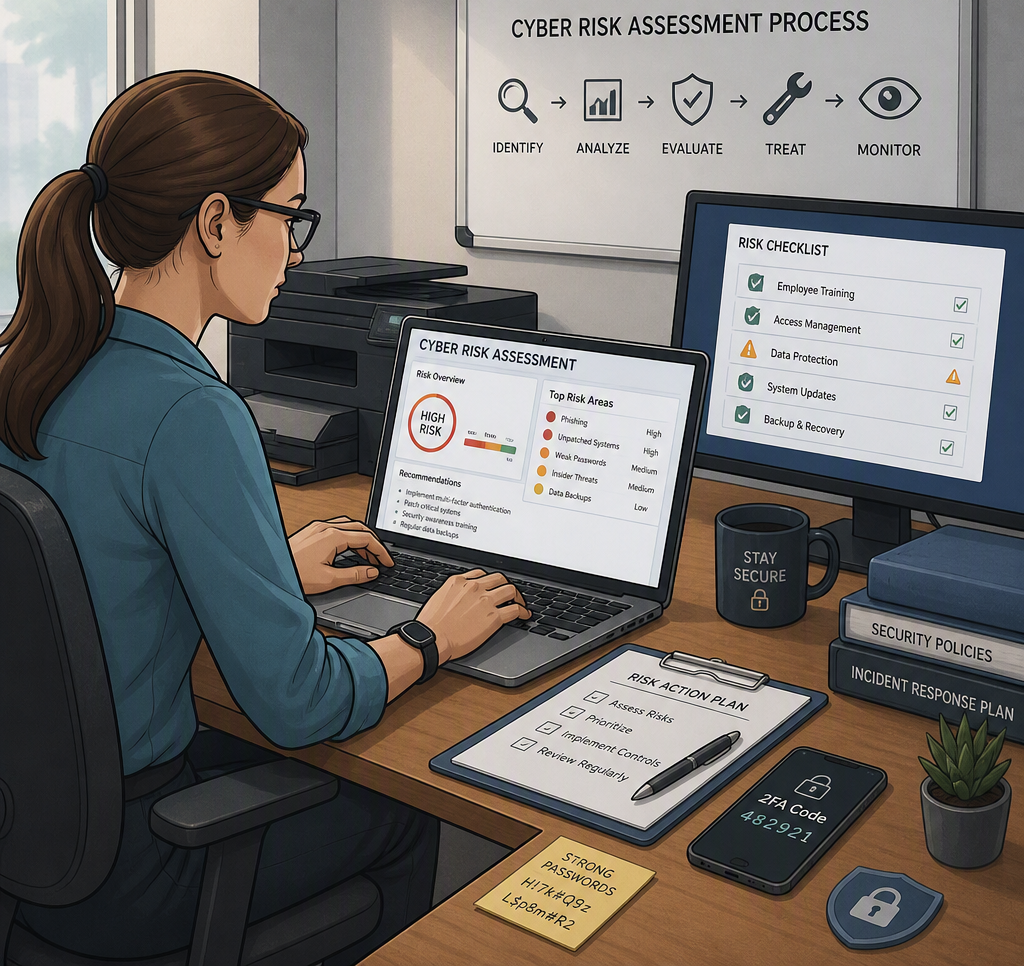
A payroll email that looks ordinary. A staff member working from a personal laptop. A backup that has never been tested. For many local organizations, a cyber risk assessment small business process starts with these everyday details, not a dramatic attack. The goal is simple: identify where your business could be disrupted, decide what matters most, and address the gaps in a practical order.
A useful assessment does not require you to become a cybersecurity expert or replace every piece of technology at once. It gives owners, office managers, and directors a clear picture of their risk, so they can make informed decisions before a preventable incident affects clients, staff, operations, or reputation.
What a Cyber Risk Assessment for Small Business Actually Does
Cybersecurity can feel like a long list of technical products and warnings. A risk assessment brings the conversation back to business impact. It asks what information and systems your organization relies on, what could go wrong, how likely that event is, and what the consequences would be.
For a legal office, the most sensitive assets may be client files, trust-related records, email, and document management systems. For a healthcare provider, patient information, scheduling, clinical applications, and connected devices may deserve the closest attention. A nonprofit may depend heavily on donor records, grant documentation, staff email, and a public-facing website.
The same threat does not carry the same weight for every organization. A two-hour internet outage may be inconvenient for one business but can stop another from processing payments, accessing cloud records, or serving patients. That is why a worthwhile assessment is tailored to your daily operations rather than based on a generic checklist alone.
Start With What Keeps the Business Running
The first step is creating a clear inventory of your important systems, information, and access points. This is not busywork. You cannot protect what you have not identified.
Look beyond office computers. Include cloud platforms such as Microsoft 365, shared file storage, accounting and payroll software, phones, Wi-Fi equipment, servers, mobile devices, printers, websites, backup systems, and third-party vendors that hold or process business information. Note who uses each system, who administers it, and whether access is still needed.
Then identify the information that would cause the greatest harm if it were exposed, changed, or unavailable. That may include customer contact details, financial information, employee records, health information, contracts, passwords, or intellectual property. Consider both the direct cost of an incident and the operational cost of losing access during a busy workday.
This conversation often uncovers overlooked risks. For example, a former employee may still have access to a shared mailbox. A manager may be the only person who knows how to access a critical vendor portal. Or several staff members may be using the same login because it seems more convenient. These are fixable problems, but only once they are visible.
Assess the Risks That Matter Most
After identifying your assets, evaluate realistic scenarios. The most common small-business risks are usually not highly sophisticated attacks. They are ordinary weaknesses that create an opening for criminals or turn a minor technical problem into a major interruption.
Consider these four areas closely:
- Email and identity threats: Phishing messages, fraudulent payment requests, stolen passwords, and unauthorized access to Microsoft 365 or other cloud accounts.
- Ransomware and malware: Malicious software that encrypts files, steals data, or disrupts systems through an infected attachment, compromised website, or vulnerable device.
- Access and device gaps: Missing software updates, weak passwords, shared accounts, lost laptops, unsupported equipment, or staff using unmanaged personal devices.
- Backup and continuity failures: Backups that are incomplete, connected to the same network, inaccessible when needed, or never tested through a real restoration process.
For each scenario, rate likelihood and impact in plain language: low, medium, or high is often enough. A likely event with a high impact should be addressed first. For example, an office that handles sensitive records but has no multifactor authentication on email has a high-priority issue. Requiring a second sign-in factor is often far less expensive than recovering from a compromised account.
It also helps to consider timing. Is your organization more vulnerable during tax season, a fundraising campaign, tourist season, or a major project deadline? Risk changes when the cost of downtime rises.
Look at People and Processes, Not Just Technology
Technology is only part of the picture. Many incidents begin with a person who is busy, trying to be helpful, or unsure whether an unusual request is legitimate. A convincing email asking to update banking information can bypass expensive security tools if there is no process for verifying the request.
Review how your team handles invoices, password resets, new employee accounts, departing staff, remote work, and unusual requests involving money or sensitive information. The right process does not need to slow people down. It should make the safe action the easy action.
For example, payment changes should be confirmed using a known phone number, not the number in a suspicious email. New staff should receive only the access required for their role. When someone leaves, their accounts, devices, shared folders, and forwarding rules should be reviewed promptly. Brief, regular security awareness training can give staff the confidence to pause and ask questions instead of guessing.
A supportive culture matters here. If employees fear blame, they may hesitate to report a clicked link or lost device. Early reporting gives your IT team a much better chance to contain a problem.
Turn Findings Into a Practical Action Plan
An assessment has limited value if it ends as a report nobody revisits. The next step is a prioritized plan that connects each finding to an owner, a deadline, and a business reason.
Start with changes that reduce significant risk quickly. Multifactor authentication, prompt software updates, endpoint protection, secure backup practices, removal of unused accounts, and stronger email filtering are often high-value first steps. Documented incident response contacts and a basic plan for operating during an outage can also reduce confusion when time matters.
Some improvements need more planning. Replacing an aging server, segmenting a network, moving files to a better-managed cloud environment, or updating a phone system may involve cost and operational change. That does not mean those projects should be ignored. It means they should be scheduled based on risk, budget, and the organization’s capacity to manage change.
Avoid treating cybersecurity as a one-time purchase. New employees, new software, vendor changes, and evolving threats can all alter your risk profile. A good approach is to review key controls regularly and complete a more formal assessment at least once a year, or sooner after a significant change or security incident.
When Outside IT Support Makes Sense
Small organizations rarely need a full internal security department. They do, however, need accountability. An experienced managed IT provider can help inventory systems, review configuration settings, test backup recovery, monitor devices, explain priorities in straightforward terms, and respond quickly if an issue occurs.
The best fit depends on your environment. A small professional office with cloud-based applications may need strong identity protection, device management, and dependable support. An organization with onsite servers, regulated information, multiple locations, or specialized equipment may require a deeper review of infrastructure and continuity planning.
Ask prospective IT partners how they identify risks, how they communicate findings, and what happens during an emergency. You should receive clear recommendations, not pressure to buy tools that do not match your needs. At Myriad Technologies, that means helping organizations understand the practical impact of each issue and building a plan around how they actually work.
A Better First Question
Instead of asking, “Are we fully secure?” ask, “What could stop us from serving our clients tomorrow, and what are we doing about it?” That question leads to useful conversations about email, backups, access, staff procedures, and recovery plans.
Cyber risk cannot be reduced to zero, and no honest provider should promise that. But a thoughtful assessment can replace uncertainty with priorities your team can act on. The most valuable next step may be as simple as choosing one high-risk gap, assigning responsibility, and fixing it before it becomes the reason your business day comes to a halt.