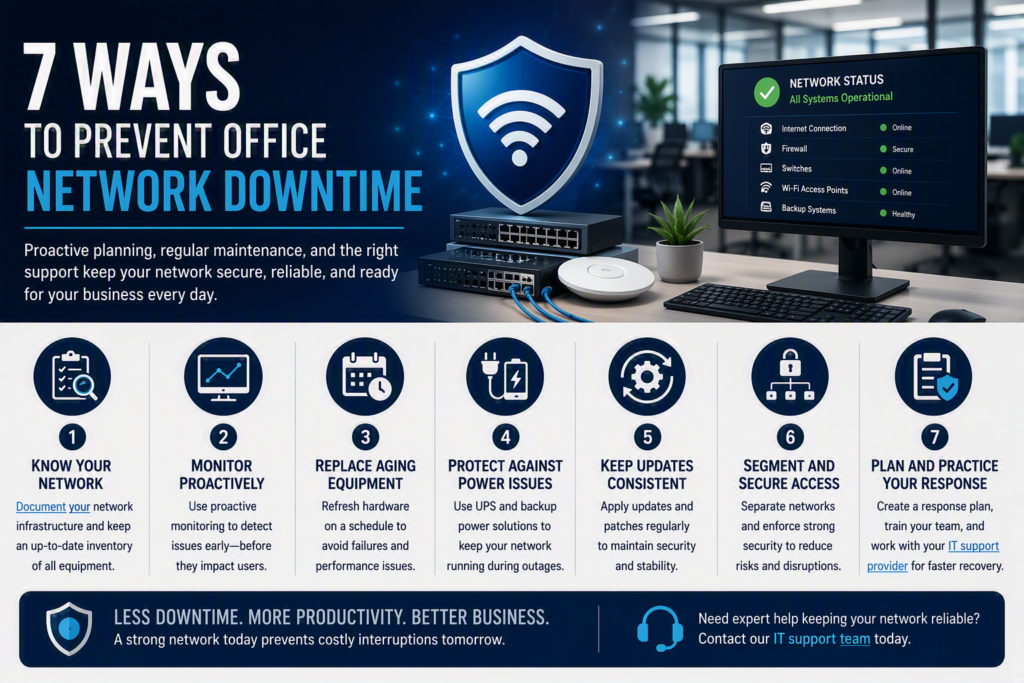
Network downtime can bring business operations to a standstill. Employees lose access to files, cloud applications stop working, phones go offline, and customer service suffers. The good news is that many outages can be prevented with the right mix of planning, maintenance, and proactive support.
Whether you operate a small office or a growing organization, these seven strategies can help improve reliability and reduce the risk of costly network interruptions.
1. Understand Your Network Infrastructure
Many businesses think of their network as simply an internet connection and Wi-Fi. In reality, your network includes firewalls, switches, wireless access points, cabling, cloud services, and employee devices.
Maintaining an up-to-date inventory of network equipment can make troubleshooting faster and more effective. Documenting device locations, equipment age, warranty information, and network configurations helps identify potential weaknesses before they become major issues.
A clear network map can also simplify future upgrades and support faster recovery during an outage.
2. Monitor Systems Before Problems Escalate
One of the most effective ways to prevent downtime is by identifying issues before employees notice them.
Proactive monitoring can detect warning signs such as network outages, unusual bandwidth usage, failing hardware, connectivity issues, and backup failures.
This approach allows IT teams to investigate and resolve problems early, reducing the likelihood of unexpected interruptions. Monitoring is especially valuable for businesses that rely heavily on cloud services, VoIP phones, and remote access solutions.
3. Replace Aging Network Equipment
Network hardware doesn’t need to fail completely to create performance issues. Older firewalls, switches, and wireless access points often become less reliable over time and may no longer receive critical security updates.
A planned replacement strategy helps businesses avoid emergency repairs and unexpected outages. Reviewing network equipment regularly allows organizations to identify devices approaching end-of-life and budget for upgrades before failures occur.
Investing in reliable infrastructure is often less expensive than dealing with the productivity loss and service disruptions caused by aging equipment.
4. Protect Against Power Disruptions
Power fluctuations and outages can damage network equipment and unexpectedly disconnect users from critical systems.
Using uninterruptible power supplies (UPS) for key devices such as firewalls, switches, and servers helps maintain stability during short power interruptions. These systems also provide surge protection and allow equipment to shut down safely during extended outages.
Organizations that depend heavily on connectivity should also consider backup internet connections or failover solutions to maintain operations if their primary service becomes unavailable.
5. Keep Software and Firmware Updated
Outdated software and firmware can create both security vulnerabilities and performance issues.
Businesses should establish a consistent update process for firewalls, network devices, servers, and employee workstations. Scheduling updates during planned maintenance windows helps minimize disruption while ensuring systems remain secure and stable.
It’s also important to document major changes and configurations. If issues arise after an update, having a record of recent changes can significantly speed up troubleshooting.
6. Segment and Secure the Network
Not every device needs access to every part of your network.
Separating guest Wi-Fi, employee devices, security cameras, printers, and other systems into separate network segments can improve both performance and security. Network segmentation helps contain problems and reduces the risk of a single issue affecting the entire organization.
Strong Wi-Fi passwords, access controls, and regular reviews of administrative permissions also help prevent unauthorized access and reduce the likelihood of avoidable network disruptions.
7. Create and Test an Outage Response Plan
Even the best-maintained networks can experience unexpected issues. Having a documented response plan helps employees respond calmly and efficiently when problems occur.
Your team should know:
- Who to contact for support
- What information to collect during an outage
- How to determine whether the issue affects one user or the entire office
- How to communicate if email or phones are unavailable
When necessary, staff should quickly contact their designated IT support provider with the details they have gathered. Clear communication can significantly reduce recovery time and minimize business disruption.
Don’t Forget About Backups
While backups won’t prevent a network outage, they are an essential part of business continuity planning. Hardware failures, cyberattacks, accidental deletion, and ransomware incidents can all lead to data loss if reliable backups are not in place.
Backups should be automated, secured, and tested regularly. A backup system is only valuable if data can be restored quickly when needed.
Final Thoughts
Preventing network downtime requires more than reacting to problems as they occur. By monitoring systems, maintaining equipment, protecting against power issues, strengthening security, and developing a clear response plan, businesses can significantly reduce the risk of costly interruptions.
For many organizations, the most effective approach combines proactive maintenance, security oversight, and responsive technical support. Even small improvements such as documenting your network, replacing aging equipment, or testing your backups can make a meaningful difference when your technology is under pressure.