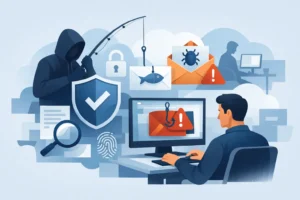
How to Respond to Phishing Incidents at Work
Know how to respond to a phishing incident, contain the damage, secure affected accounts, and keep your business moving after a suspicious email message.

Know how to respond to a phishing incident, contain the damage, secure affected accounts, and keep your business moving after a suspicious email message.

Microsoft 365 versus Google Workspace: compare security, collaboration, costs, and support to choose the right cloud tools for your growing team well.
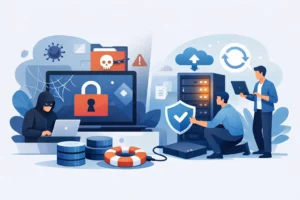
Learn what a ransomware recovery service does, how recovery works, and what your business should expect when systems and data are under attack or at risk.
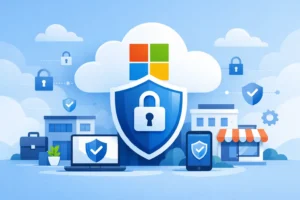
Microsoft 365 security helps protect your email, files, and users. Learn the practical controls small businesses need to reduce daily risk every day.

See practical IT consulting examples that help organizations reduce downtime, protect data, plan technology projects, and control costs with confidence.

Business VoIP systems can improve call quality, flexibility, and support. Learn what to assess before choosing a phone system for your organization with confidence.
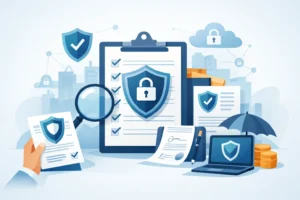
Cybersecurity insurance requirements often determine whether a claim is covered. Learn the controls insurers expect and how to prepare your business now.
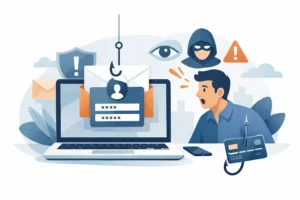
See a realistic phishing attack example, the warning signs staff miss, and practical steps Fraser Valley organizations can take to protect accounts daily.

Compare remote support versus onsite support to reduce downtime, control IT costs, and choose the right response for your business and team confidently.
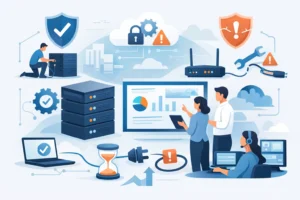
Learn how to prevent office network downtime with proactive monitoring, tested backups, power protection, updates, and a practical response plan for teams.

Managed IT gives growing organizations proactive support, stronger security, and predictable costs so technology supports work instead of stopping it daily.

AI cybersecurity trends are changing how small businesses defend data. Learn what matters now and how to build practical protection without complexity.

Understand IT support costs, what drives them, and how proactive service helps small businesses control downtime, security risk, and avoid surprise bills.

Use this outsourced IT budgeting guide to build a clear, practical technology budget that protects uptime, security, and growth without surprise costs later.
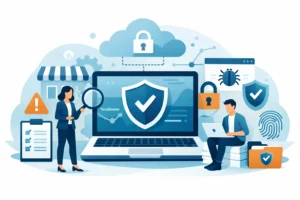
A cyber risk assessment for small business helps you find weak points, protect customer data, and prioritize security fixes before disruption strikes.
A small business cybersecurity planning guide for protecting data, preparing staff, reducing downtime, and responding calmly to an incident with care.

Nonprofit IT services help protect donor data, support staff and volunteers, reduce downtime, and plan technology spending with clarity and confidence.

Healthcare IT support helps clinics protect patient data, reduce downtime, and give staff reliable, responsive help when critical systems need attention.

IT support Chilliwack businesses can rely on: practical guidance on preventing downtime, protecting data, and choosing a responsive local partner for growth.

Use this server upgrade planning checklist to protect data, limit downtime, control costs, and keep your business operating through a smooth transition.

Email newsletter design services help Fraser Valley organizations create clear, reliable emails that inform readers, strengthen trust, and prompt action.

Website design for nonprofits should make giving, finding help, and building trust easier. Learn practical choices that support your mission and staff.

IT consulting for technology projects helps Fraser Valley organizations plan wisely, reduce downtime, protect budgets, and deliver practical results well.

Choose a remote helpdesk for small business that reduces downtime, protects your data, and gives your team clear, responsive support when it matters most.

Emergency onsite IT support helps Fraser Valley organizations restore operations, protect data, and make clear decisions when technology fails unexpectedly.
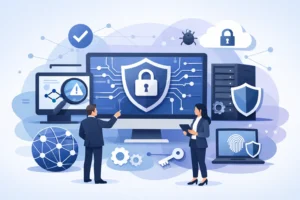
A network security assessment for business finds gaps before they disrupt operations, prioritizes practical fixes that protect data, staff, and customers.
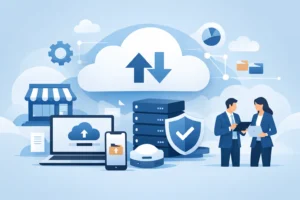
Cloud backup for small business protects the files, systems, and records your team needs to keep working after loss, ransomware, or hardware failure strikes.
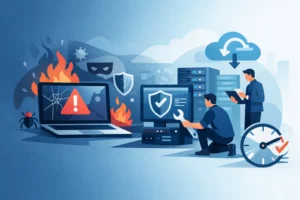
Compromised computer recovery services help contain threats, restore systems, and protect your business data while reducing costly operational downtime.
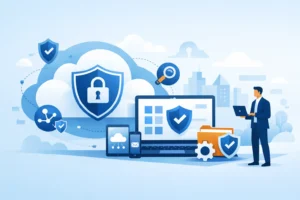
Microsoft 365 security for business helps protect email, files, identities, and operations. Learn the practical controls that reduce everyday risk now.

How does managed IT work for Fraser Valley organizations? It brings proactive maintenance, cybersecurity, and fast help when technology stops working.